Skyrim VR Mods: Best VR Gaming Modifications and Setup
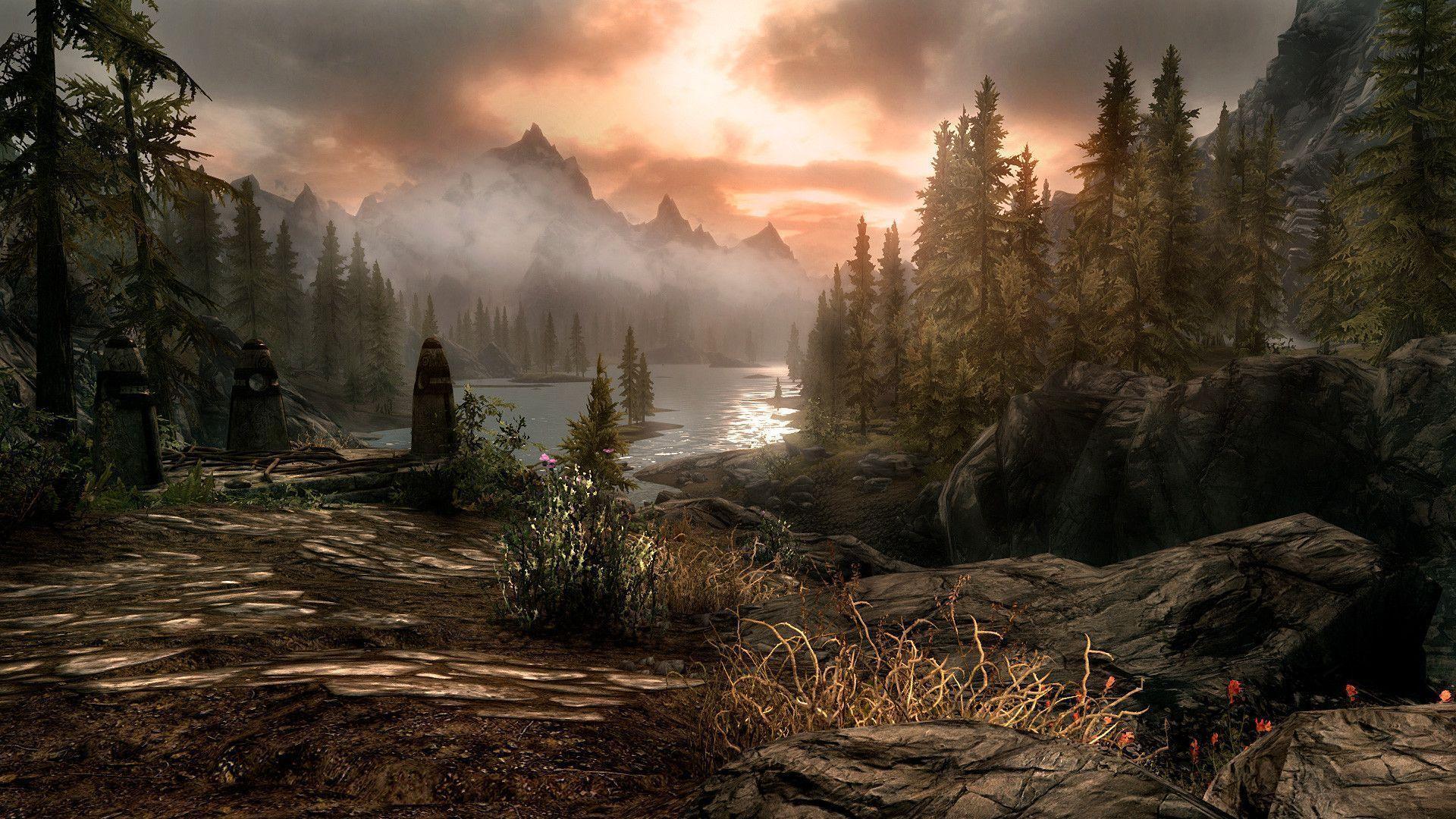
Ever dreamt of stepping into the world of Skyrim, not just watching it on a screen, but truly inhabiting it? Imagine feeling the chill of the wind on your face as you traverse the snowy peaks of the Throat of the World, or the heat of a dragon's breath as it roars in your face. That dream is within reach with Skyrim VR, and with the right mods, it can be even more breathtaking.
But let's be honest, diving into the world of Skyrim VR mods can feel like navigating a murky dungeon without a torch. You might spend hours sifting through endless lists, battling compatibility issues, and wrestling with confusing installation guides. What starts as an exciting adventure can quickly turn into a frustrating slog.
This guide is your torch, illuminating the path to the best Skyrim VR modding experience. We'll walk you through essential modifications that enhance gameplay, improve performance, and immerse you deeper into the world of Tamriel. Get ready to transform your virtual reality experience from good to god-tier!
We'll be covering everything from essential visual overhauls that make Skyrim VR truly stunning, to gameplay tweaks that improve combat and immersion. We'll also delve into performance mods that ensure a smooth and enjoyable experience, even on less powerful hardware. Consider this your comprehensive guide to crafting the ultimate Skyrim VR experience. We'll also cover setup tips, must-have mods, and troubleshooting to minimize headaches.
My First Steps into a Modded Skyrim VR
I'll never forget my first attempt at modding Skyrim VR. I was so eager to dive in that I haphazardly installed a bunch of mods without doing any research. The result? A buggy mess that crashed every few minutes. I spent more time troubleshooting than actually playing! It was a frustrating experience that almost turned me off from modding entirely. But I'm stubborn, and the potential of a truly immersive Skyrim experience kept me going. I started researching, reading guides, and learning about load orders and compatibility. Slowly but surely, I began to build a stable and enjoyable modded game. Now, I can't imagine playing Skyrim VR without mods. They truly elevate the experience, adding depth, detail, and replayability. From graphical enhancements that make the world come alive, to gameplay tweaks that improve combat and immersion, mods are essential for any serious Skyrim VR player. I've learned the hard way that patience and research are key, but the rewards are well worth the effort. The feeling of standing on a mountaintop, gazing at a beautifully rendered landscape, knowing that you built that experience yourself, is simply unparalleled. It's this personalized touch that makes modding so satisfying, and it's what keeps me coming back to Skyrim VR time and time again. I even started helping my friends mod their games! Now they are hooked as well.
What Makes a "Best" Skyrim VR Mod?
Defining the "best" mods for Skyrim VR is subjective, but certain qualities consistently elevate a mod above the rest. Functionality is paramount. A "best" mod should seamlessly integrate into the game, fulfilling its intended purpose without causing crashes, glitches, or compatibility issues. Stability is also key, as a mod that constantly breaks the game is ultimately unusable. Immersive mods enhance the player's sense of presence and connection to the game world. This can include visual overhauls that make the world more realistic, sound enhancements that add depth and atmosphere, or gameplay tweaks that make interactions feel more natural. Good mods respect the original game's spirit while expanding upon it. A mod that drastically alters the core gameplay loop may not appeal to everyone. Ultimately, the "best" mods are those that enhance the individual player's experience. Mods are available to improve the graphics of the game or improve the gameplay of the game. I personaly like to improve the gameplay. They should be chosen based on personal preference. Someone who likes a challange will seek out different mods from someone who plays only to relax.
The History and Mythology of Skyrim VR Modding
The history of Skyrim VR modding mirrors the broader history of PC gaming modding, with a dedicated community constantly pushing the boundaries of what's possible. Modding has existed almost as long as videogames have been. In the early days, modding involved tweaking configuration files or replacing textures. As game engines became more sophisticated, modding tools evolved, allowing creators to add new content, alter gameplay mechanics, and even create entirely new experiences within the existing game framework. The release of the Creation Kit for Skyrim was a pivotal moment. It gave modders unprecedented access to the game's inner workings, unleashing a wave of creativity and innovation. Myths and legends surround certain modders who are whispered about for their exceptional contributions. One such legend is the story of the "Compatibility Wizard," a modder said to possess an uncanny ability to resolve conflicts between seemingly incompatible mods. The lore of Skyrim modding is rich with tales of collaboration, competition, and the endless pursuit of the perfect gaming experience.
Uncovering Hidden Secrets in Skyrim VR Mods
Beyond the surface-level features of Skyrim VR mods lies a wealth of hidden secrets and Easter eggs waiting to be discovered. Many mods include hidden quests, characters, or items that are only accessible through specific actions or conditions. Modders often hide references to other games, movies, or even real-world events within their creations. Discovering these secrets is a rewarding experience that adds another layer of depth to the game. Delving into the files of a mod can reveal valuable insights into its inner workings. Examining the scripts, textures, and models can help you understand how the mod functions and potentially troubleshoot any issues you encounter. However, exercise caution when modifying mod files, as improper changes can lead to instability or crashes. The modding community is a valuable resource for uncovering hidden secrets. Forums, wikis, and Discord servers are filled with discussions, guides, and hints that can help you on your quest. Don't be afraid to ask questions and share your own discoveries with others.
Recommended Mods to Enhance your Skyrim VR
Choosing the right mods can be overwhelming, so here are some recommendations to get you started. First, Visual Overhaul: Skyrim VR uses the same textures as the original Skyrim, so upgrading the textures will enhance the game experience a lot. Second, Combat Enhancement: The combat in vanilla Skyrim VR can feel clunky and uninspired. Mods like VRIK provide precise weapon wielding and body presence, making the combat feel more engaging and intuitive. Third, Quality of life Improvement: Some mods can improve the overall experience of your Skyrim VR. These mods make the game more enjoyable without significantly altering the core gameplay. These are just a few suggestions, and there are countless other amazing mods out there. Experiment, explore, and find what works best for you. Remember to read the mod descriptions carefully, check for compatibility issues, and always back up your game before installing anything new. With a little patience and research, you can create a truly unforgettable Skyrim VR experience.
Setting Up Your VR Environment for Skyrim
Before diving into the world of mods, it's essential to ensure your VR environment is properly configured. This includes calibrating your headset, adjusting the interpupillary distance (IPD), and optimizing your room setup. Proper calibration ensures that the game visuals are clear and comfortable to view, reducing eye strain and motion sickness. The IPD setting adjusts the distance between the lenses to match the distance between your eyes, improving the clarity and depth perception of the image. Make sure your play area is clear of obstacles and that you have enough space to move around comfortably. Consider using a VR mat or rug to help you stay oriented and prevent accidental collisions with furniture. Experiment with different locomotion methods to find what works best for you. Smooth locomotion can be more immersive, but it can also cause motion sickness in some players. Teleportation is a more comfortable option for many, but it can break the sense of immersion. If you experience motion sickness, try taking breaks, adjusting the field of view, or using anti-nausea medication.
Essential Tips and Tricks for Modding Skyrim VR
Modding Skyrim VR can be a rewarding experience, but it also comes with its own set of challenges. Here are some essential tips and tricks to help you navigate the process smoothly. First, use a mod manager: Mod managers like Mod Organizer 2 (MO2) make it much easier to install, uninstall, and manage your mods. They also help prevent conflicts and keep your game directory clean. Second, read mod descriptions carefully: Mod descriptions often contain important information about compatibility, installation instructions, and known issues. Third, pay attention to load order: The order in which your mods are loaded can have a significant impact on their functionality and stability. Tools like LOOT (Load Order Optimization Tool) can help you automatically sort your load order. Fourth, test your mods frequently: After installing a new mod, take some time to test it in-game to ensure it's working as expected. This can help you identify conflicts early on and prevent major issues down the road. Fifth, back up your game regularly: Before making any major changes to your mod setup, it's always a good idea to back up your game files. This will allow you to revert to a previous state if something goes wrong.
Troubleshooting Common Modding Issues
Even with careful planning, you may encounter issues when modding Skyrim VR. Here are some common problems and their solutions. One common issue is Crashes or freezes. If your game is crashing or freezing, the first step is to identify the culprit. Disable your most recently installed mods one by one until the problem is resolved. Another common issue is Missing textures or models. This can be caused by incorrect installation, conflicting mods, or corrupted files. Finally, Incompatible mods can conflict with each other, causing a variety of issues. Use LOOT to sort your load order and check the mod descriptions for any known compatibility issues. The modding community is a valuable resource for troubleshooting issues. Forums, wikis, and Discord servers are filled with discussions, guides, and troubleshooting tips.
Fun Facts About Skyrim VR Modding
Skyrim VR modding is not just a technical endeavor; it's also a fascinating cultural phenomenon. Did you know that some modders have spent thousands of hours creating and refining their mods? The dedication and passion of these individuals is truly remarkable. Certain mods have become legendary within the Skyrim community, amassing millions of downloads and earning widespread acclaim. These mods often represent the pinnacle of creativity and technical skill. Modding has evolved into a form of artistic expression, with modders using the game as a canvas to create their own unique visions. Some mods tell original stories, introduce new characters, or explore themes not present in the original game. Modding has also fostered a strong sense of community, with modders and players collaborating and sharing their creations. The exchange of ideas and resources has led to the development of countless innovative and groundbreaking mods.
How to Get Started with Skyrim VR Modding Today
Ready to dive into the world of Skyrim VR modding? Here's a step-by-step guide to get you started. First, Install a mod manager. I recommend Mod Organizer 2, as it is the most powerful and versatile option. Second, create a Nexus Mods account. The Nexus Mods website is the largest and most reputable source of Skyrim mods. Third, browse the Nexus Mods website for mods that interest you. Pay attention to the mod descriptions, compatibility information, and user reviews. Fourth, download and install your chosen mods using your mod manager. Follow the installation instructions carefully. Fifth, use LOOT to sort your load order. This will help prevent conflicts and ensure that your mods are loaded in the correct order. Sixth, test your mods in-game. Take some time to explore the world and make sure everything is working as expected. Don't be afraid to experiment and try new things. Modding is a process of trial and error, so don't get discouraged if you encounter issues along the way.
What If Skyrim VR Had No Mods?
Imagine a world where Skyrim VR existed without the possibility of modification. The game, while still enjoyable, would lack the depth, customization, and replayability that mods provide. The visual fidelity would remain unchanged, the combat would feel clunky, and the gameplay experience would be limited to the original developer's vision. The vibrant modding community, with its endless creativity and innovation, would cease to exist. No new quests, characters, or storylines would be added to the game. The ability to personalize your experience, to tailor the game to your individual preferences, would be lost. Skyrim VR without mods would be a shell of its current self, a testament to the power of community-driven content. It would be a world where the potential of the game remained untapped, where the voices of players and creators were silenced.
Top 5 Skyrim VR Mods You Need to Try
If you're looking for a quick and easy way to enhance your Skyrim VR experience, here are five mods that you absolutely need to try. First, Skyrim VR Optimization Project: This mod improves performance and stability, allowing you to run the game smoothly on a wider range of hardware. Second, VRIK: Provides full body tracking and precise weapon wielding, making combat feel more immersive and intuitive. Third, HIGGS: Adds object interaction and manipulation, allowing you to pick up, move, and throw objects in the game world. Fourth, Realistic Water Two VR: Improves the visuals of water, making it more realistic and immersive. Fifth, Sky UI VR: Replaces the default UI with a more user-friendly and intuitive interface. These mods are just a starting point, but they will significantly enhance your Skyrim VR experience. Experiment with other mods and find what works best for you.
Question and Answer about Skyrim VR Mods: Best VR Gaming Modifications and Setup
Q: What is the best way to install Skyrim VR mods?
A: The best way to install Skyrim VR mods is to use a mod manager like Mod Organizer 2. This allows you to easily install, uninstall, and manage your mods without affecting your core game files.
Q: Are Skyrim VR mods safe to use?
A: Generally, yes. However, it's important to download mods from reputable sources like Nexus Mods and to read the mod descriptions carefully. Be wary of mods that request excessive permissions or that come from unknown sources.
Q: Can I use all Skyrim mods in Skyrim VR?
A: No, not all Skyrim mods are compatible with Skyrim VR. Some mods may require specific VR support or may conflict with VR-specific features. It's important to check the mod descriptions for compatibility information.
Q: What do I do if a mod causes my game to crash?
A: If a mod causes your game to crash, the first step is to disable the mod and see if the problem is resolved. If so, you can try reinstalling the mod or checking for compatibility issues with other mods.
Conclusion of Skyrim VR Mods: Best VR Gaming Modifications and Setup
The world of Skyrim VR is vastly expanded and enhanced through the magic of modding. From visual overhauls that bring the world to life, to gameplay tweaks that refine combat and immersion, the possibilities are endless. While the process of modding can seem daunting at first, with the right tools, knowledge, and a little patience, you can create a truly personalized and unforgettable VR experience. So, grab your headset, fire up your mod manager, and prepare to embark on an adventure like no other. The world of Skyrim awaits, and with mods, it's more immersive and breathtaking than ever before.
Post a Comment